1
Run the Agent on Windows
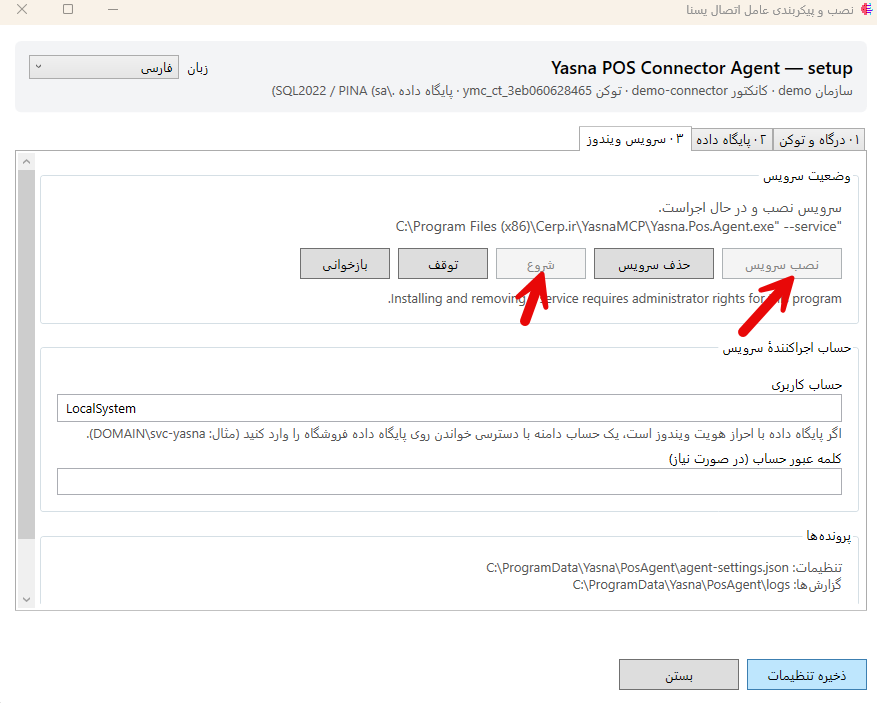
Install and run the Agent on the target Windows machine. It must have network access to the YasnaMCP server.
YasnaMCP Windows Agent connects local Windows systems, business applications, services and network connectors to YasnaMCP.
YasnaMCP Windows Agent connects local Windows systems, business applications, services and network connectors to YasnaMCP.
Install and run the Agent on the target Windows machine. It must have network access to the YasnaMCP server.
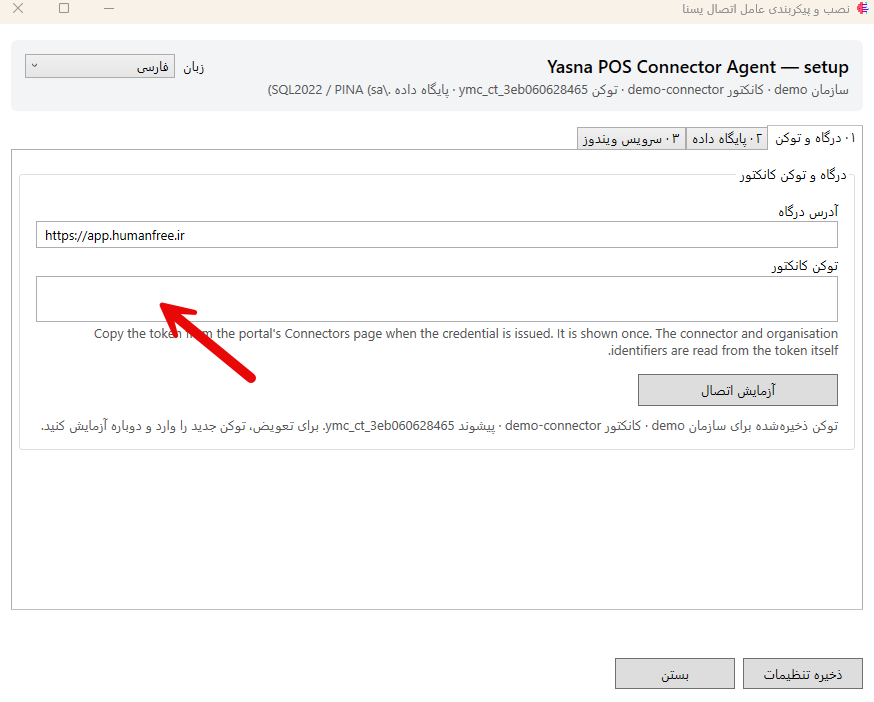
Enter the YasnaMCP server address and required connection credentials in the Agent to connect the Windows machine to the central server.
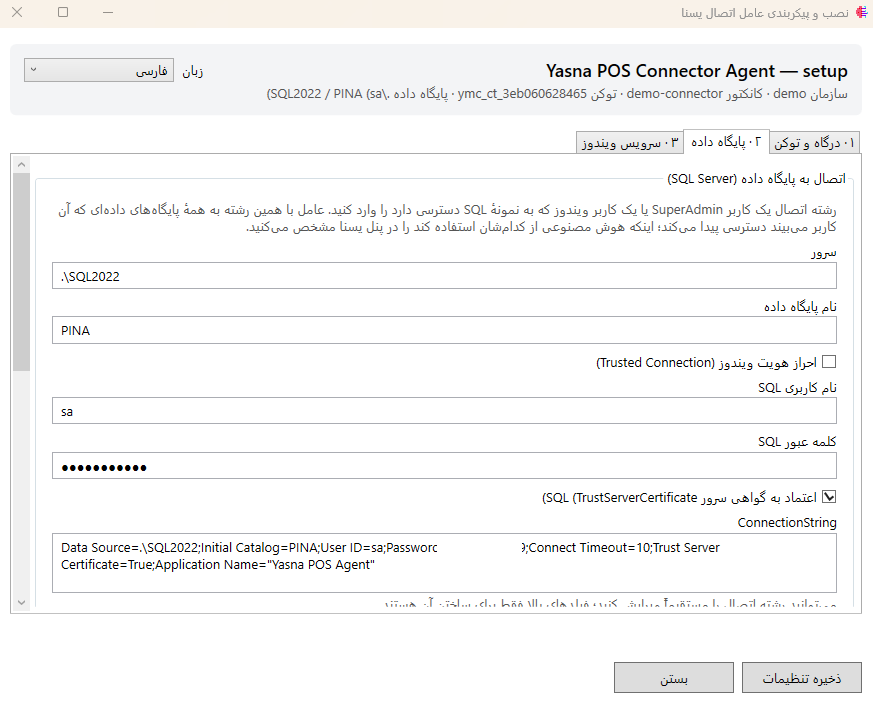
After a successful connection, the Agent is available in YasnaMCP, and local connectors or services can be invoked through it.